The action palette lets you jump to files, search your project and run commands without the mouse.
Open it
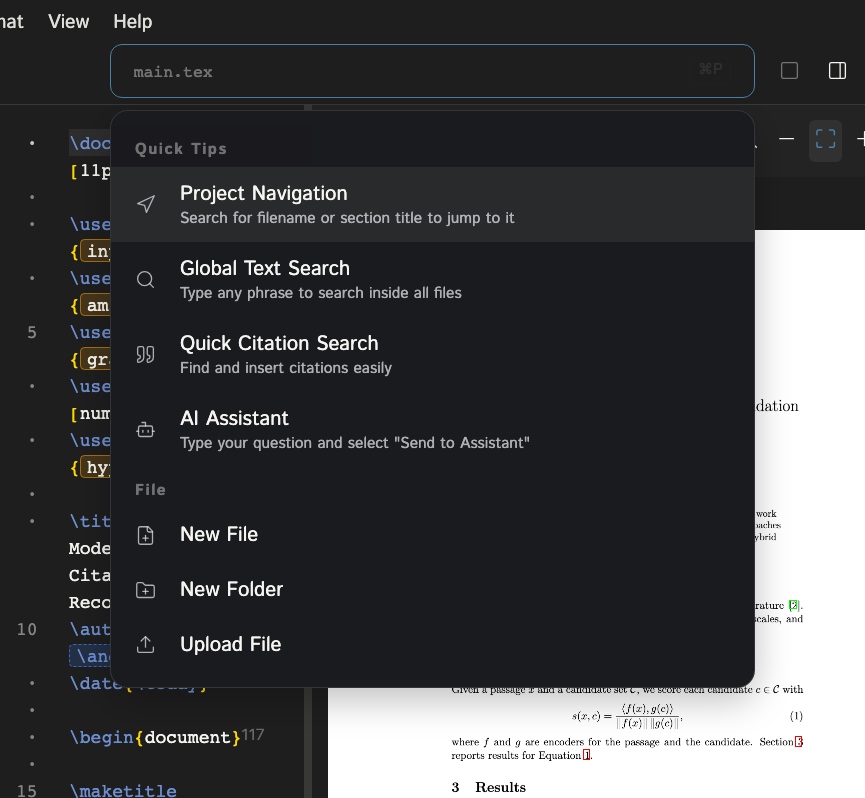
Press Ctrl/Cmd+P from anywhere in the editor. Start typing to filter. With nothing typed, the palette shows quick tips.
What you can do
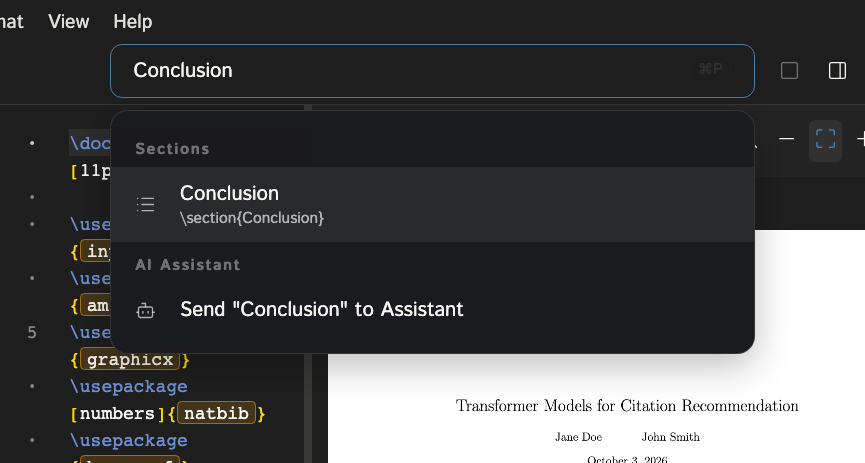
- Project navigation. Type a filename or section title to jump to it.
- Global text search. Type any phrase to search inside all files in the project. Matches open the file at that line.
- Quick citation search. Start your query with
citeto find entries from your bibliography and insert a\citeat the cursor. - Figures. Start your query with
figto find image files and insert a figure block. - Commands. Menu actions are listed too, grouped as File, Edit, View and Insert. Examples: New File, Save Project, Recompile, Download PDF, Toggle Sidebar, the layout options, and inserting a section, list, image or table.
- Ask the assistant. Type a question and choose Send "..." to Assistant to start an assistant chat with that prompt.