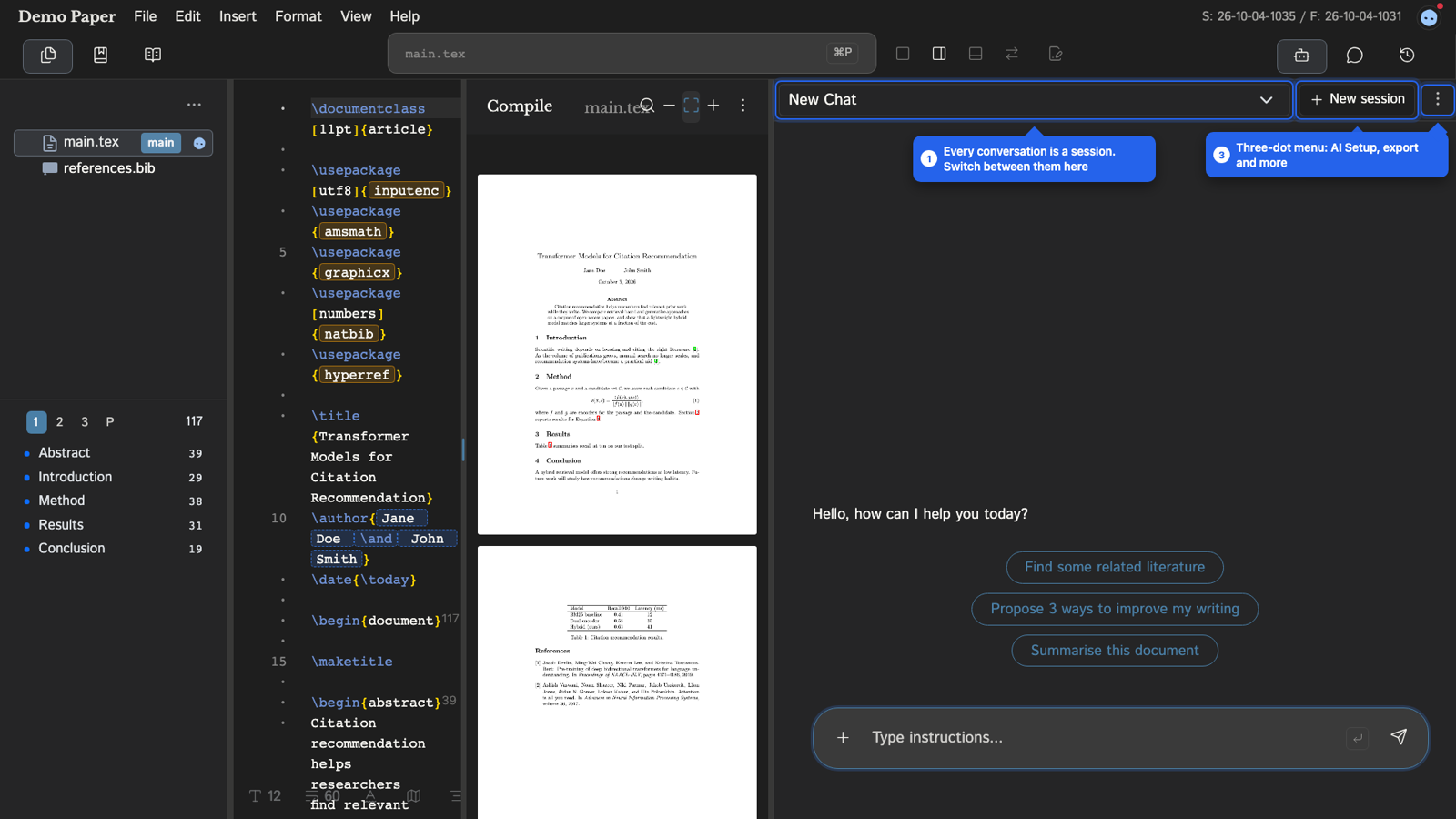
The assistant works on your actual project files. It can read them, search them, edit them and check that the result compiles. Every edit it makes is shown to you as a diff before you keep it.
Open the assistant panel with Cmd+Shift+B (Ctrl+Shift+B on Windows and Linux).
Talking to it
Type your request in the chat box. A few things help:
- Select text first. Your selection is sent along with the message, so you can say "make this more concise" without pasting anything.
- Attach material. The paperclip attaches PDFs, images and notes.
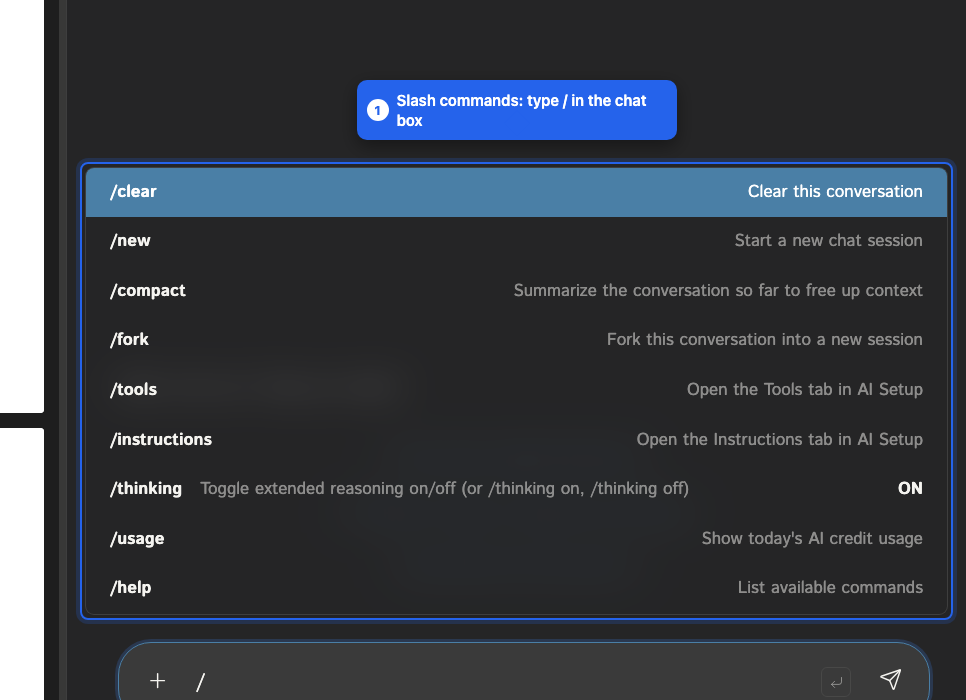
- Use slash commands. Type
/in the chat box to see them.
| Command | Effect |
|---|---|
/new | Start a new chat session |
/clear | Clear this conversation |
/compact | Summarize the conversation so far to free up context |
/fork | Fork this conversation into a new session |
/tools | Open the Tools tab in AI Setup |
/instructions | Open the Instructions tab in AI Setup |
/thinking | Turn extended reasoning on or off (/thinking on, /thinking off) |
/usage | Show today's AI credit usage |
/help | List the commands |
What it can do
The assistant works through tools. You see each call in the chat as it happens.
Reading and navigating
- Read files, list the file tree, search the project, and outline the structure of a
.texfile. - Summarize a file or a section of one.
- Read PDFs, and extract text from images (OCR). Formulas are transcribed as LaTeX.
- Find
TODOandFIXMEcomments, and read project details and collaborators. - Point you at a location: it switches to the file and highlights the lines in the editor, the file tree and the PDF.
Editing
- Edit existing files, create files and folders, and move, copy and delete files.
- Edits go through the review step described below.
References
- Search papers on OpenAlex and arXiv, and add a paper to your
.bibfile by its DOI. - Check that every cited key exists in your bibliography, verify
.bibsyntax, and check whether entries correspond to real papers. - Remove citations and tidy BibTeX files.
Checking its own work
verify_latexruns static checks on a.texfile. See LaTeX Verification.dry_compilecompiles a scratch copy of the project with the real LaTeX toolchain and returns the errors. Your PDF preview and build output are not touched.
Collaboration and memory
- Leave comments anchored to a line, read comments, reply to them and resolve them.
- Save facts about the project to its persistent memory (
knowledge.md) for later sessions. - Load skills, which are playbooks for a task (see AI Agent Settings).
- Hand independent subtasks to sub-agents that run in parallel and report back.
- Search the web, and read the TeXposit handbook when you ask how a feature works.
- Read your other projects, but only after you approve a permission card.
Some of these tools are loaded only when a task needs them. You can switch those off in the Tools tab.
Reviewing its edits
When the assistant edits a file, you get a diff with the original and the proposed text side by side. You can:
- Accept or Reject each change separately.
- Accept All or Reject All.
- Press Apply Decisions to apply what you chose.
Some edits cannot be split into separate changes. Those are accepted or rejected as a whole.
If you reject an edit with a comment, the assistant stops and takes your comment as redirection. Use this to say why, for example "keep the original wording in the second paragraph".
Steering it
- Be specific. "Make this more concise but keep the technical detail" beats "improve this".
- Give context. Name the audience or the venue.
- Set standing rules once. Project and personal instructions apply to every session. See AI Agent Settings.
- Check sources. Ask for citations to be added through the search tools, then look at the bibliography entries that appear.
- Restart when it drifts.
/newgives a clean session,/compactkeeps the thread but frees context.
Credits and switching it off
/usageshows how many AI credits you have used today. With your own OpenRouter key (BYOK), OpenRouter bills those requests instead.- Under the project's AI settings, Enable AI assistant for this project turns the assistant off for that project.